
How we built nine production content tools into one workspace.
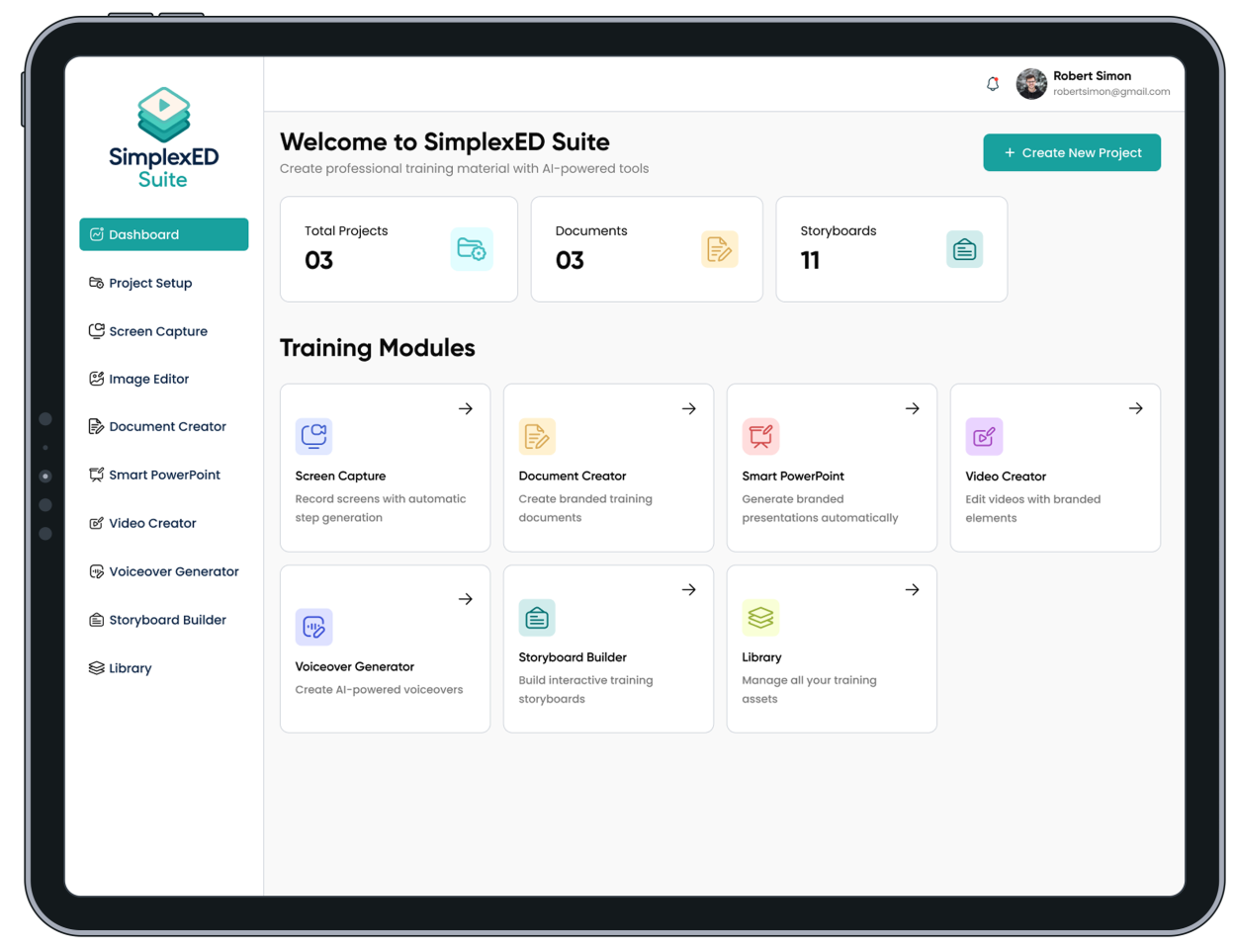
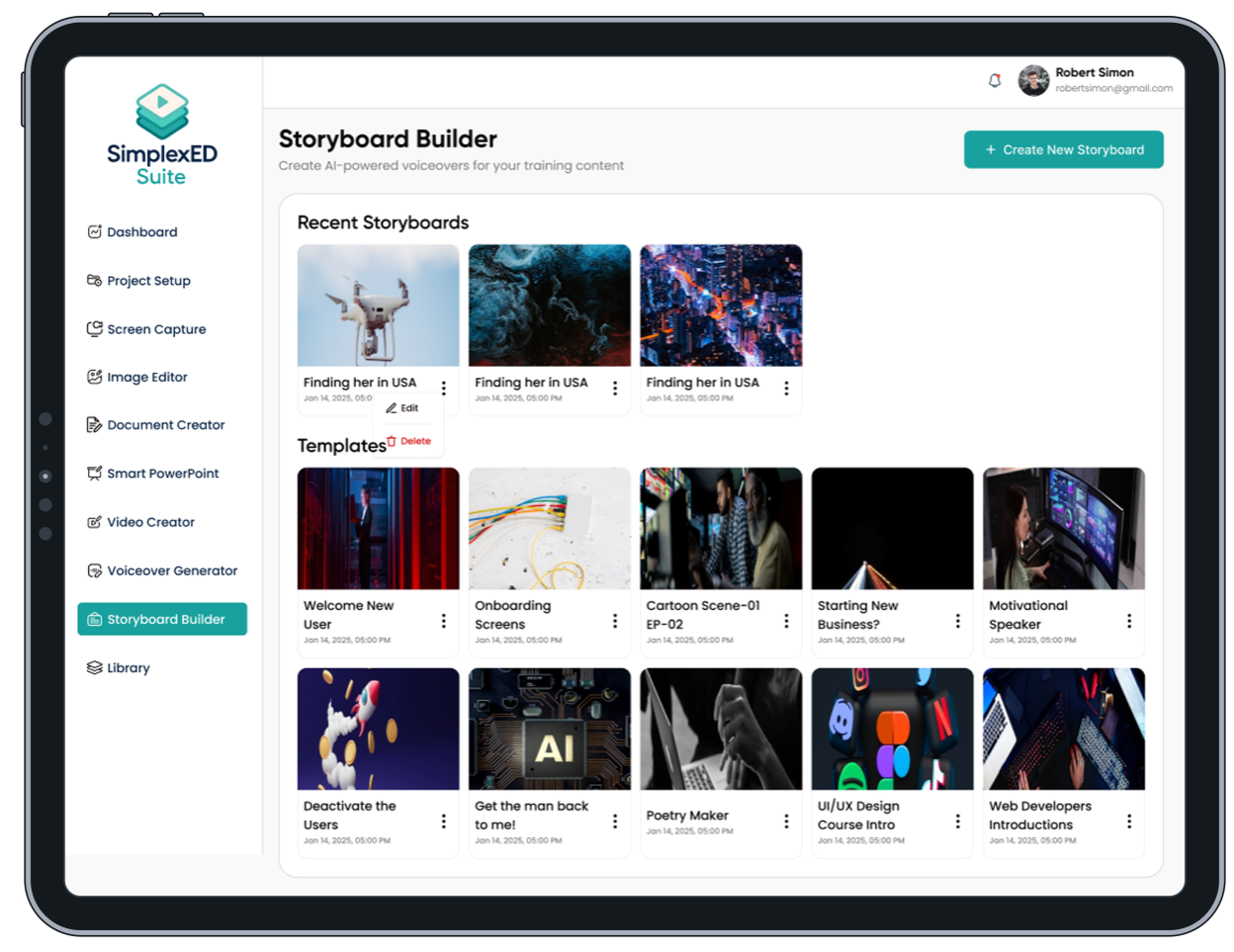
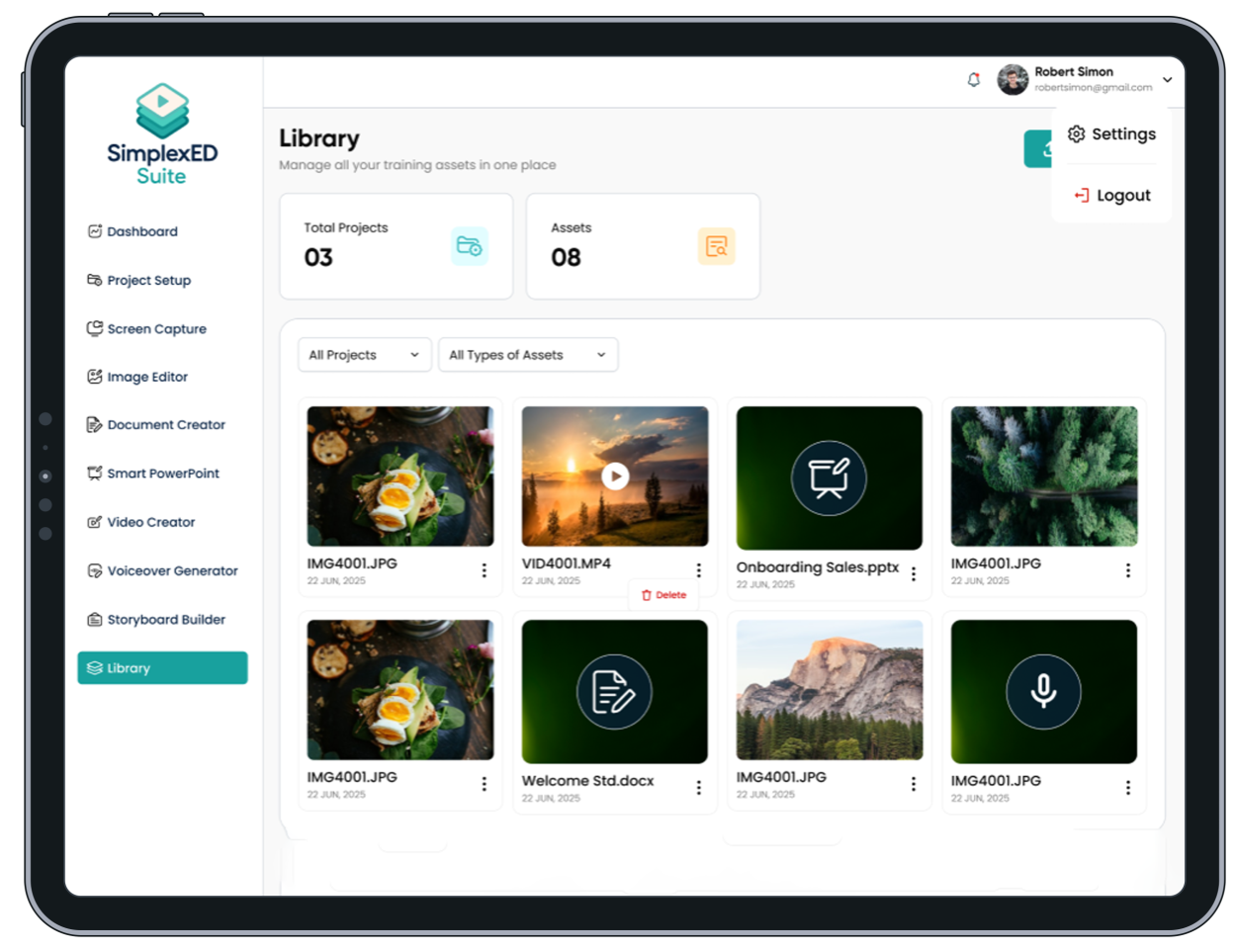
SimplexED Suite is a content production workspace for corporate learning and enablement teams. Instead of juggling a screen recorder, a word editor, a slide tool, a stock voiceover service, and a video editor, each with its own login and its own scattered files, SimplexED keeps everything in one project, with one shared library and one AI layer behind it.
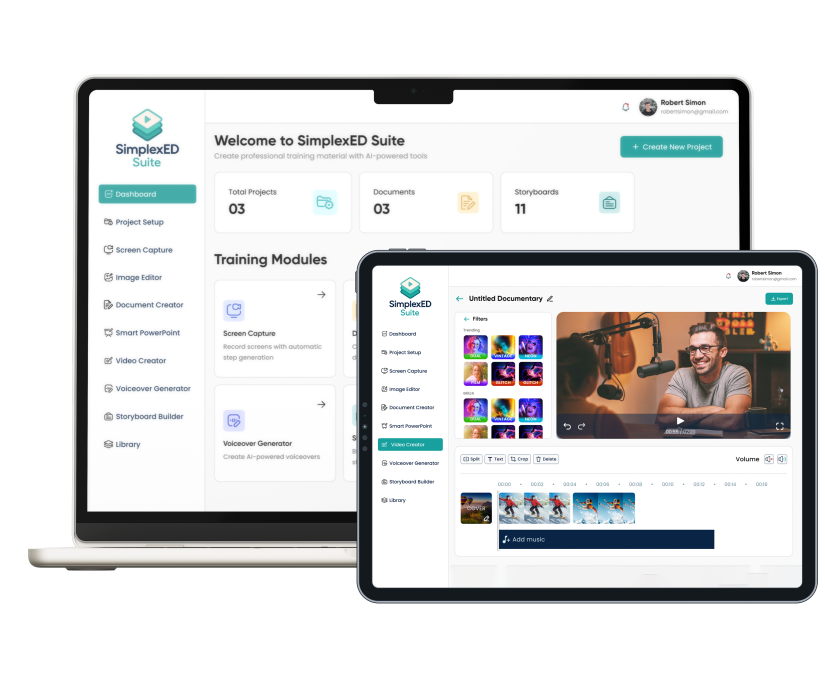
A walk through the product.
Content teams were rebuilding the same asset five times.
Learning and enablement teams often need to produce the same content in five different formats: a written job aid, a slide deck, a narration script, a voiceover, and a screen recording. In most companies, each of these is made in a different tool, by a different person, starting from a different copy of the source material.
The cost isn’t just license fees. It’s drift. The deck says one thing, the job aid says another, and the video was recorded against a version of the process that changed two months ago. Meanwhile, the generic AI presentation tools on the market produce content that is technically correct but doesn’t look like it belongs to the company.
Looking closer, three problems stood out. There was no single source of truth across the different tools. AI generated slides ignored the company’s real PowerPoint templates. And generic prompt boxes couldn’t adjust for different audiences.
Five problems we had to solve properly.
- Making one upload feed every tool. We pulled document extraction out into one shared service that handles DOCX, PDF, and PPTX files. It returns the text along with embedded images, each with a stable index. Every AI feature in the product uses this same extractor, so a file behaves the same way no matter which tool opens it.
- Creating content inside the customer's own brand template. Real corporate templates use text boxes and image panels placed in exact positions over background graphics. We built a template analyzer, now on its twelfth version, that reads these designed slides and sorts them into title and card layouts. It clears out the placeholder text, maps the AI generated content into the real layout, and keeps the original masters, themes, and fonts intact.
- Teaching the AI who it is writing for. Instead of one generic prompt box, deck generation asks for a clear content approach first, such as conceptual, executive, or procedural. A conceptual deck will never slip into procedural steps, and an executive deck will never turn into a step by step list. This keeps the tone consistent no matter which AI engine is doing the writing.
- Keeping heavy media work in the browser. Screen recording, video editing, and MP4 rendering all run directly in the browser using WebCodecs. The MP4 files are encoded so they start playing instantly, and the editor preview uses the exact same rendering code as the final export. What you see while editing is exactly what you get in the finished video.
- Making long AI jobs survivable. Branded deck generation runs as background jobs, built on BullMQ and Redis, inside managed PM2 processes. Each process gets a 15 second window to shut down gracefully, so a deck that's already rendering can finish safely instead of timing out or blocking the rest of the API.
What ships in the product.
Smart PowerPoint
Generate a deck from a prompt, a pasted brief, or an uploaded document. Then use our AI template engine, or upload your own corporate .pptx file, to map that content into real slide designs.
SimplexED DocX Editor
A real .docx editor that runs in the browser, built on an OOXML engine. Documents are stored locally first in IndexedDB, so there's always an offline copy, with cloud autosave and crash recovery on top.
AI Writing Tools
Select any paragraph to rewrite, simplify, shorten, fix grammar, change tone, or translate. Behind the scenes, a JSON schema and stable element IDs make sure each rewrite maps back to the right paragraph.
Script Generator
Turn a document, a PDF, or a plain prompt into a narration script broken into clear sections. PDFs are read visually by the AI, while DOCX files are read as text, so either source works well.
Voiceover Generator
Choose professional or cloned voices through ElevenLabs, with speed control, a waveform preview right in the browser, and the ability to regenerate audio instantly after editing the script.
Screen Capture
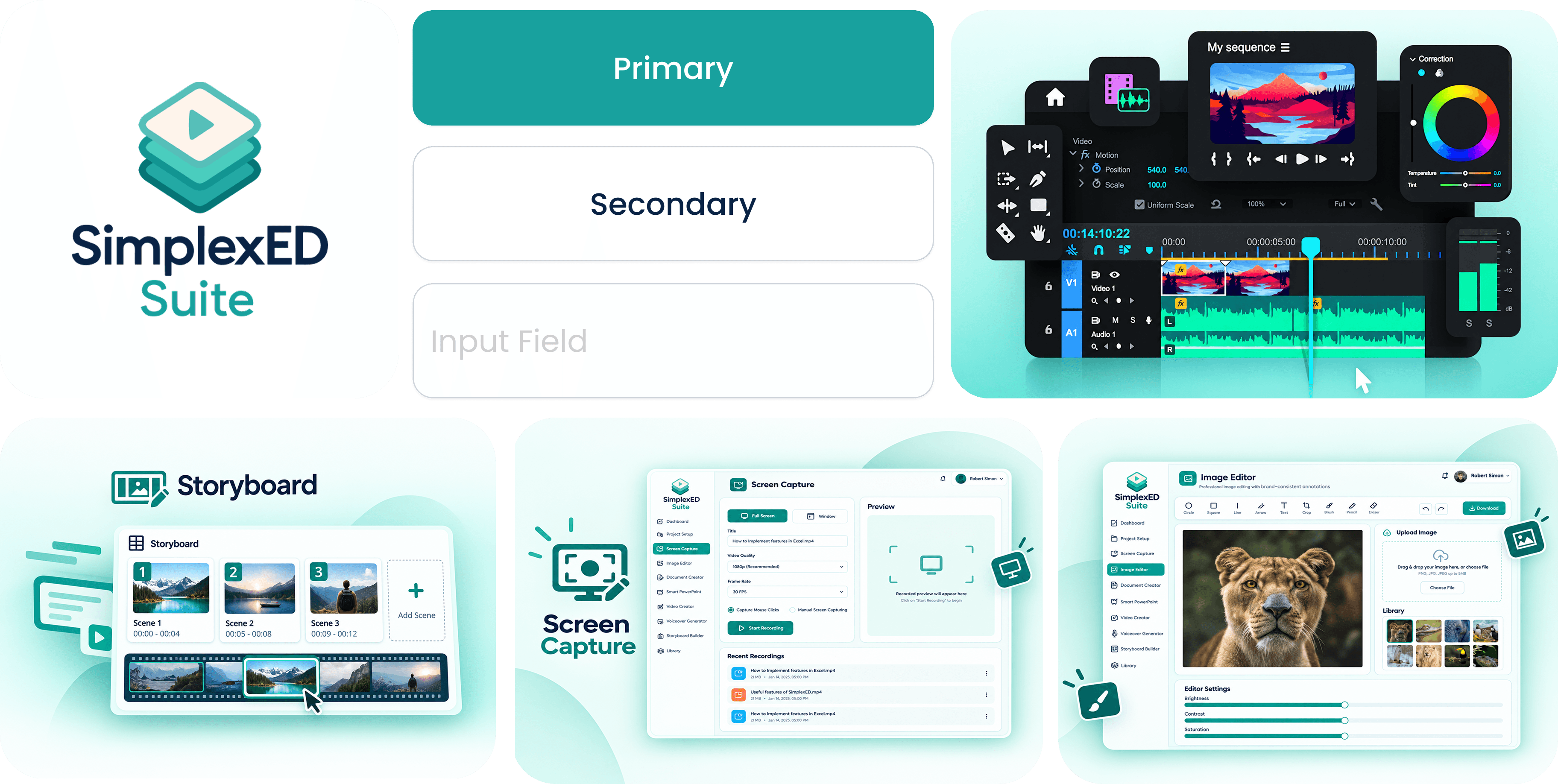
Record your screen, a window, or a single tab with audio, encoded right in the browser to an MP4 that starts playing instantly. Screenshots are captured the same way and uploaded straight to S3 using presigned URLs.
SimplexED Video Editor
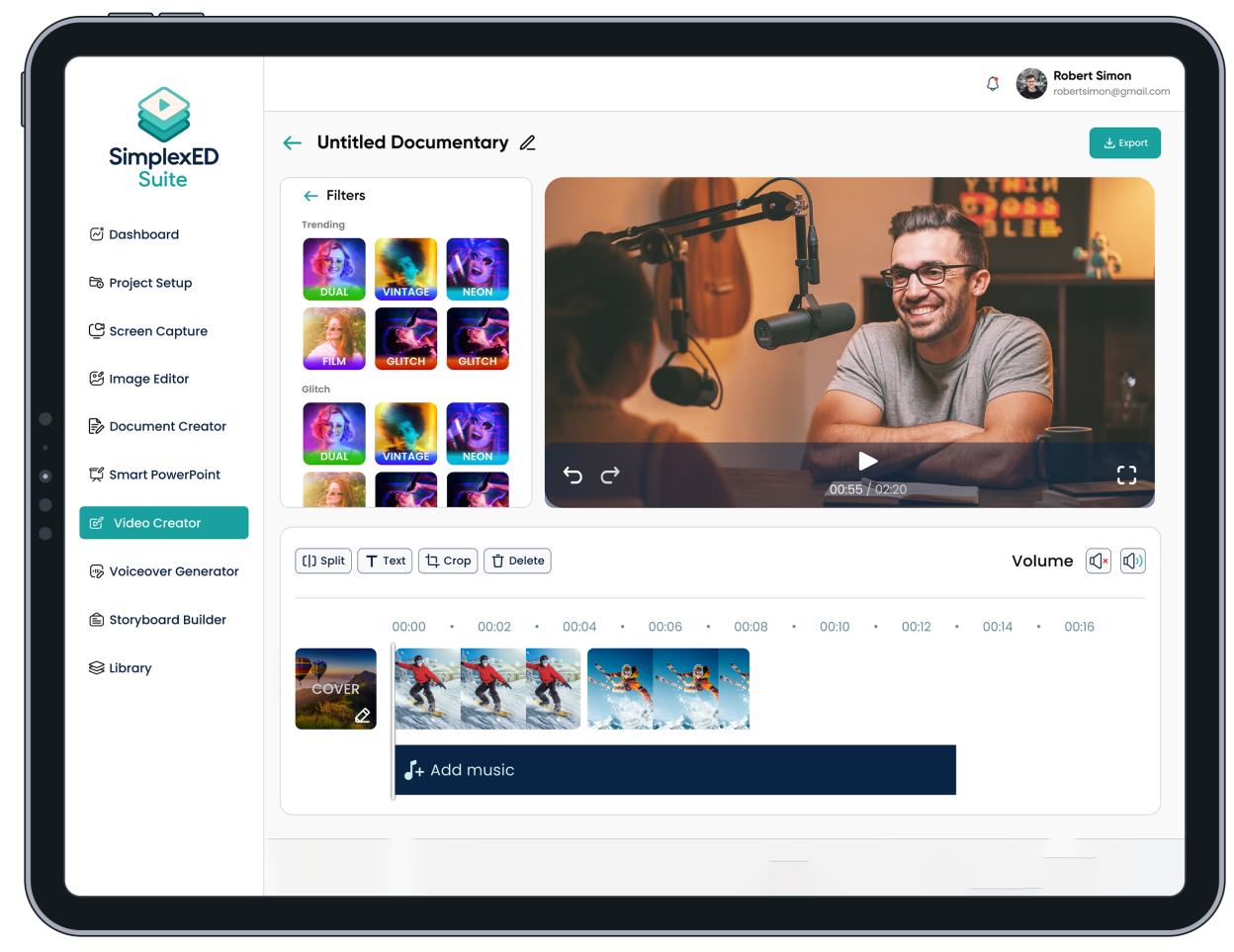
A full timeline editor with a main track plus overlays, audio, text, shapes, filters, captions, and presets for social media. It exports a finished MP4 video entirely in the browser.
Image Editor
Built on the Fabric.js canvas engine, with cropping, adjustments, filter presets, text, and shapes. When you export, it automatically picks PNG or JPEG, whichever gives the better result for that image.
Shero, the AI Assistant
A retrieval augmented assistant, or RAG, that answers product questions using a Pinecone powered knowledge base. Answers stream in token by token, and the assistant can hand off to a real person when needed.
Built for content operations.
SimplexED Suite pairs a modern single page frontend with background job workers and media rendering that runs right in the browser. The heavy video encoding happens on the user's own device through WebCodecs, deck generation runs as background jobs in Redis, and documents are edited against local storage in IndexedDB, so the whole system stays fast even under load.
SimplexED in the wild.
A closer look at the core user flows built for this product.
Building something like SimplexED?
We build AI powered SaaS products where the AI has to be reliable, not just impressive. That means document pipelines, generation that respects a brand's own templates, retrieval augmented assistants, and media tools that run right in the browser.